MULTI-ACCOUNT MANAGEMENT
Manage Multiple LinkedIn Accounts From One Dashboard
Connect every LinkedIn personal profile and company page you manage and run them from a single dashboard. Switch between accounts in a click, post on behalf of executives, and keep personal and brand presence aligned.
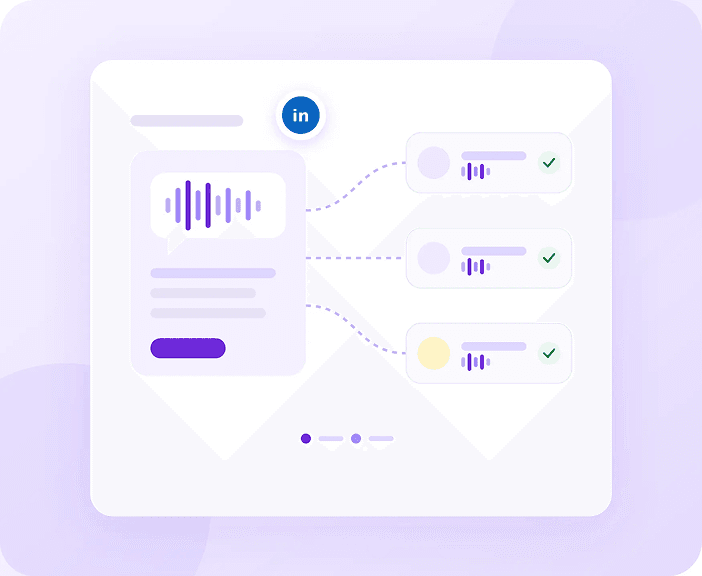
Manage Personal Profiles
Connect any LinkedIn personal profile you have credentials for. Full feature access for each profile.
Manage Company Pages
Company pages you administer can also be managed through Vulse. Unified strategy across personal and company presence.
Executive Account Support
Create, schedule, and post on behalf of leadership. Use tone matching to maintain their authentic voice.
Switch Profiles Without Logging Out
Move between every connected personal profile and company page from a single dashboard. No logging in and out of LinkedIn, no separate browser profiles, no drafts lost because you were signed into the wrong account.
Executive Support
Help leaders build their presence
One Dashboard
Every profile and company page in a single view
Instant Switching
Change between accounts without logging out
Company Pages Too
Personal and brand presence managed side by side
Frequently asked questions
Yes. Vulse connects any LinkedIn personal profile you have credentials for and any company page you administer, then gives you a single dashboard to create, schedule, publish and measure across all of them.
Yes. Once their account is connected you can draft, schedule and publish on their behalf, and use tone of voice matching so the posts still sound like the person whose name is on them.
Yes. Company pages you administer sit alongside personal profiles in the same dashboard, so you can run one joined-up LinkedIn strategy instead of treating brand content and employee content as two separate jobs.
No. Switching profile inside Vulse takes a click. There is no logging in and out of LinkedIn, no juggling separate browser profiles, and no drafts lost because you were signed into the wrong account.