LinkedIn's AI Event Highlights: Turn One Webinar Into Weeks of Short-Form Video
- LinkedIn Strategy
Published •Updated •By Rob Illidge
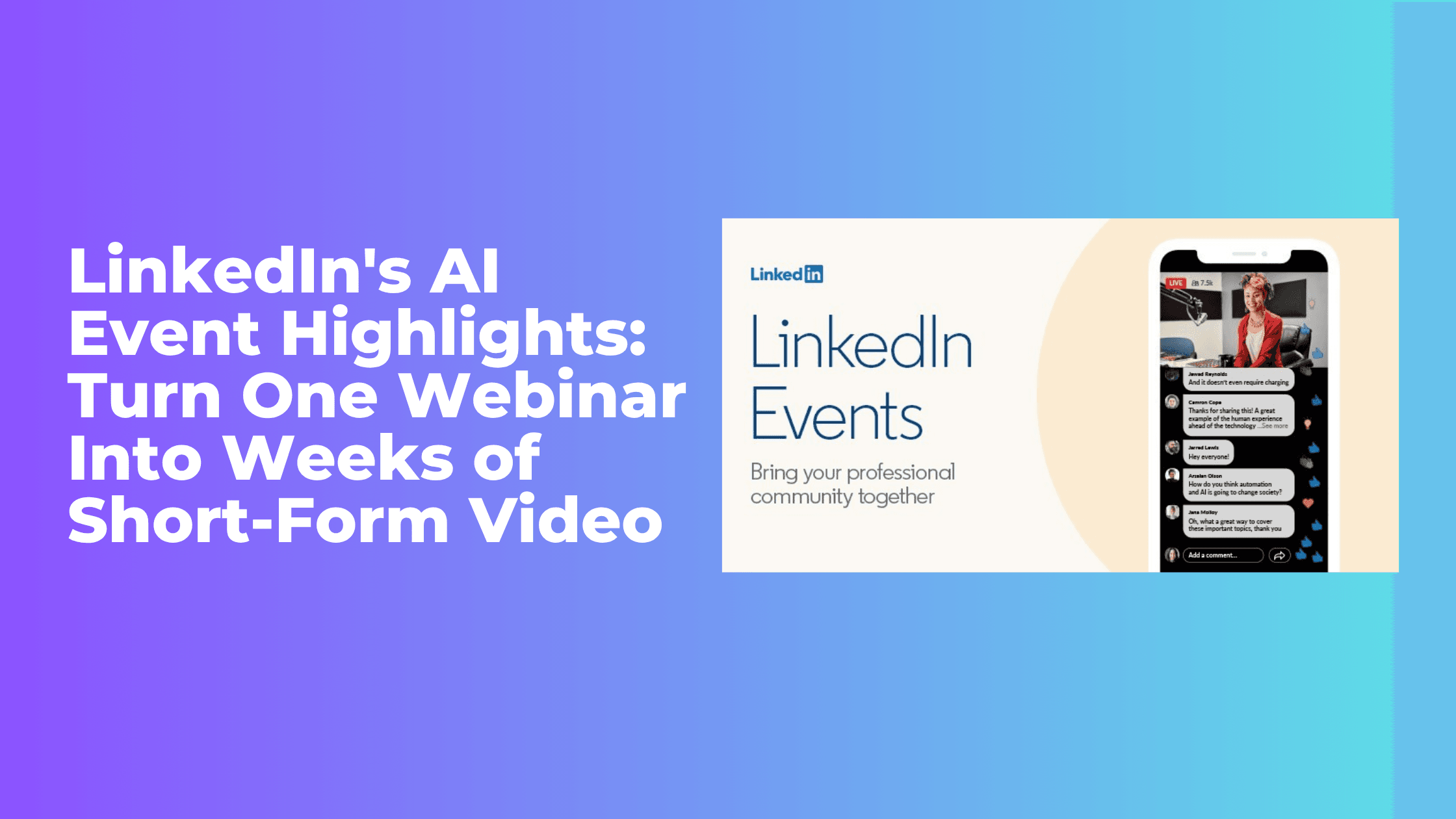
LinkedIn has just released one of the most practical creator tools of the year. The platform now uses AI to scan your live event recordings, surface the standout moments, and package them into ready-to-share clips and navigable chapters. For anyone who has ever finished a webinar with 60 minutes of footage and no time to edit it, this is the update that changes the math on event content.
Rolling out to users globally in August 2026, AI-powered event highlights sit inside LinkedIn's event management tools and do the first pass of editing for you. That matters because short-form video is where professional attention is going, and until now the gap between hosting an event and repurposing it was mostly a labor problem. LinkedIn just automated a big chunk of that labor.
What Are LinkedIn's AI Event Highlights
The feature centers on a "recommended clips composer," a new section within the event tools where LinkedIn's AI presents a set of suggested highlights in a side window. According to LinkedIn, the system is trained to identify three things inside a recording: major announcements, key insights, and memorable quotes. Those are exactly the moments a human editor would hunt for, and now they arrive pre-selected.
Two capabilities sit at the core of the release:
- Recommended clips. The AI reviews your event recording and proposes short segments built around its strongest moments. You review each suggestion in the composer, then extend or trim the in and out points before publishing. Nothing goes live automatically, so you keep editorial control.
- Auto-generated chapters. For longer replays, the system breaks the recording into labeled sections so viewers can jump straight to the part they care about. Instead of a wall of unstructured video, your replay becomes a navigable resource.
The design philosophy here is assistive rather than autonomous. The AI does the tedious work of finding and cutting candidate moments, and you make the editorial calls on tone, brand fit, and quality. That split is deliberate, and it is the right one for professional content where a badly chosen clip can undercut credibility.
Why This Matters Now
The timing is not accidental. LinkedIn has reported a 10 percent rise in overall content consumption alongside growing appetite for short-form video, and the company saw a 24 percent jump in events shared on the platform in Q1 2025. Video and live events are two of the fastest-moving formats on LinkedIn right now, and this feature sits directly at their intersection.
There is also a supply-and-demand story underneath it. Marketers have known for years that a single live session can seed weeks of downstream content, but the editing bottleneck kept most of that value locked up. Teams would host a great webinar, share the full replay once, and move on. The clips that could have driven reach for the next month never got made because someone had to sit in a timeline and cut them. By moving the first draft of that work to AI, LinkedIn lowers the cost of repurposing to something almost every team can afford.
For a deeper look at how live video fits the broader platform strategy, Metricool's guide to LinkedIn Live is a useful companion, and Social Media Today's LinkedIn coverage tracks how these features keep landing month over month.
The Content Multiplication Math
Here is the practical shift. Picture a 60-minute webinar on, say, B2B pipeline strategy. Historically that was one asset. With AI event highlights, the same recording can become:
- A clip built around the single biggest data point or statistic you shared.
- A clip capturing your sharpest opinion or prediction, the kind of take that travels.
- A clip answering the best audience question from the live Q&A.
- A chaptered full replay that ranks and gets found by people searching for the topic later.
- Raw material for a written recap post, a newsletter section, and sales enablement snippets.
One event, handled well, now fuels a content calendar for weeks instead of a single day. That is the difference between treating events as moments and treating them as an engine.
How to Act On It: A Practical Playbook
The tool does the cutting, but strategy still decides whether the output performs. A few principles:
Record with clips in mind
If you know the AI is looking for announcements, insights, and quotes, give it more of them. Deliver your key takeaways as clean, self-contained statements rather than burying them mid-tangent. The clearer your delivery, the better the raw material the composer has to work with.
Always review before you publish
LinkedIn built human oversight into the workflow for a reason. Watch every suggested clip end to end. Check that it makes sense without the surrounding context, that it opens on a strong line, and that it reflects your brand. AI selection is a starting point, not a final cut.
Lead each clip with a point of view
The moments that spread on LinkedIn are opinions and specifics, not summaries. When you trim a suggested clip, favor the segment where you take a clear stance or share a concrete number over the segment where you restate the obvious. Pair every clip with a caption that adds your angle rather than just describing what the video contains.
Track what actually works
Repurposing is only efficient if you learn from it. Watch which clip formats drive saves, comments, and profile visits, then feed that back into how you run the next event. Consistent measurement is where a tool like this compounds, and a dedicated LinkedIn analytics view makes the patterns obvious faster than the native dashboard does.
Schedule the rollout, do not dump it
Resist the urge to post five clips the day after your event. Space them out. Use content scheduling tools to drip the highlights across the following weeks so each one gets its own moment in the feed, and so your event keeps generating reach long after the live audience has moved on. For more tactical breakdowns like this, the Vulse blog is worth a bookmark.
The Bigger Picture
AI event highlights fit a clear pattern in LinkedIn's 2026 roadmap: the platform is investing in tools that reward substance and make quality content easier to produce and distribute. That is the same instinct behind its recent work on video and its broader push to surface genuine expertise in the feed. You can follow the full run of updates through resources like SocialPilot's LinkedIn features tracker and HeyOrca's monthly platform log.
The strategic read is simple. LinkedIn is betting that more people will host events and share video if the friction drops, and it is removing that friction one feature at a time. For marketers, founders, and personal-brand builders, the opportunity is to meet the platform where it is heading. Host the event, let the AI find your best moments, add the human judgment that makes them land, and turn a single hour of live video into a month of visibility.
Frequently Asked Questions
What are LinkedIn's AI event highlights?
They are AI-generated recommended clips and chapters created automatically from your LinkedIn live event recordings. The system identifies major announcements, key insights, and memorable quotes, then presents them in a recommended clips composer where you can review, trim, and publish them.
Do the clips get published automatically?
No. LinkedIn designed the feature with human oversight built in. The AI suggests clips and chapter breaks, but you review each one, adjust the length, and decide what actually goes live. You keep full editorial control over quality and brand fit.
Who can use LinkedIn AI event highlights?
The feature rolled out to users globally in August 2026 and appears inside LinkedIn's event management tools. If you host live events on LinkedIn, you should find the recommended clips composer available in your event section.
How does this help with short-form video strategy?
It removes the editing bottleneck that kept most teams from repurposing events. A single webinar can become several short clips, a chaptered replay, and source material for written posts. That aligns with LinkedIn's reported growth in content consumption and rising demand for short-form video.
How should marketers get the most value from the feature?
Deliver clear, quotable takeaways during your event so the AI has strong material, review every suggested clip before publishing, lead each clip with a distinct point of view, schedule the clips across several weeks rather than posting them all at once, and track performance so you improve with each event.